ALL
WELCOME
Capture the letters
that inspire you.
Find inspiration in everyday lettering.
Start with a photo. Explore it as type.
A typeface, waiting to happen.
Your next typeface
Find your letters.
Draw as many boxes as you need.
No areas selected
Drawing your typeface.
This usually takes a minute or two.
Your next font starts with a photo.
Good type
is everywhere.
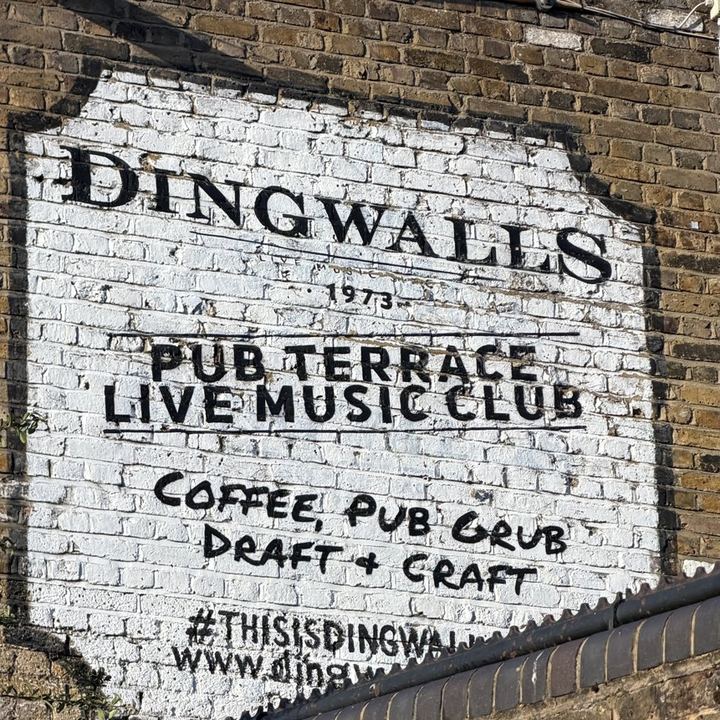
Found all over.
Every font here started as a photo of a sign somewhere. Keep scrolling, then zoom in and the piles spread out into the places they were found.
7 finds in 2 cities · ⌘ + scroll or pinch to zoom
Frequently
asked questions.
How does it work?
Start with a photo of lettering. Select the letters you want to use, then generate a font to try, refine and download.
What makes a good photo?
Clear, straight-on lettering with good contrast works best. Draw separate boxes around different words or lines, leaving out decorations and unrelated text.
Why can’t I generate a font?
Making fonts is invite-only while we get ready. Join the waitlist and we’ll email you when it opens. If you have an invite link, open it in this browser. Until then you can explore the example fonts and try the demo with our photos.
How long does generation take?
Usually about a minute. You can minimise the progress window while it works.
Can I use the fonts I make?
Yes, in your own projects, such as posters, invitations, notes and social posts. Your photo is yours, but the lettering in it belongs to whoever made it. Credit them where you can, and get their permission before using the font in anything you sell. Don’t sell or share the font file itself. Fonts are AI drafts, so check them before you rely on them.
Can I copy a logo or a font I like?
No. Field Type is for lettering you find in the world, not for recreating a company’s logo or trademark, or rebuilding a typeface you could buy. Use the real typeface and support its designer. If you photograph a logo, the font you get is not yours to use.
Specimens
Fresh
Market
Everyday
Good
Letters
Somewhere
Type
Found
By hand
Glyphs
Glyph viewSelect a character
This font is for your own projects. Not for resale, and never for copying a logo. How you can use it